Vessels: Global Shipping MSFS
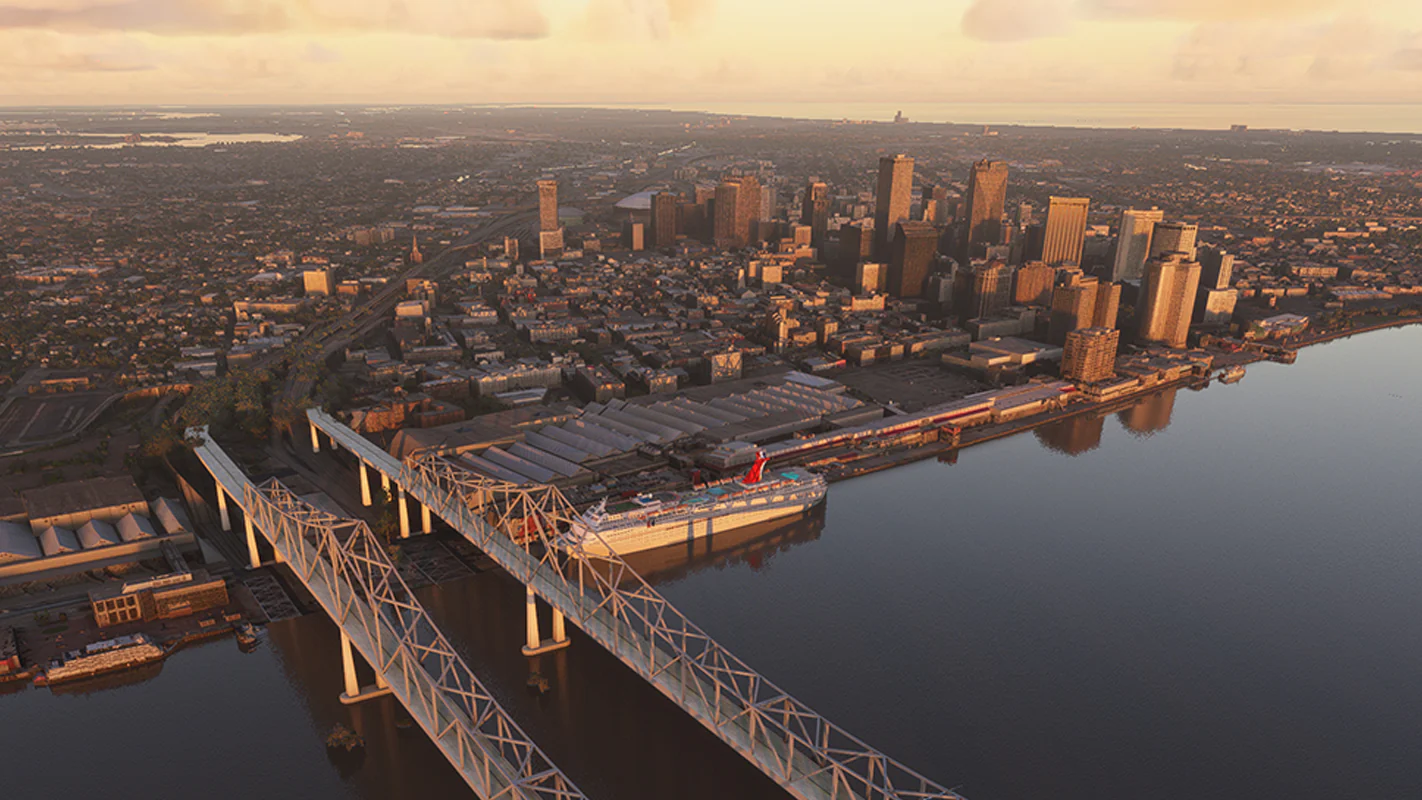
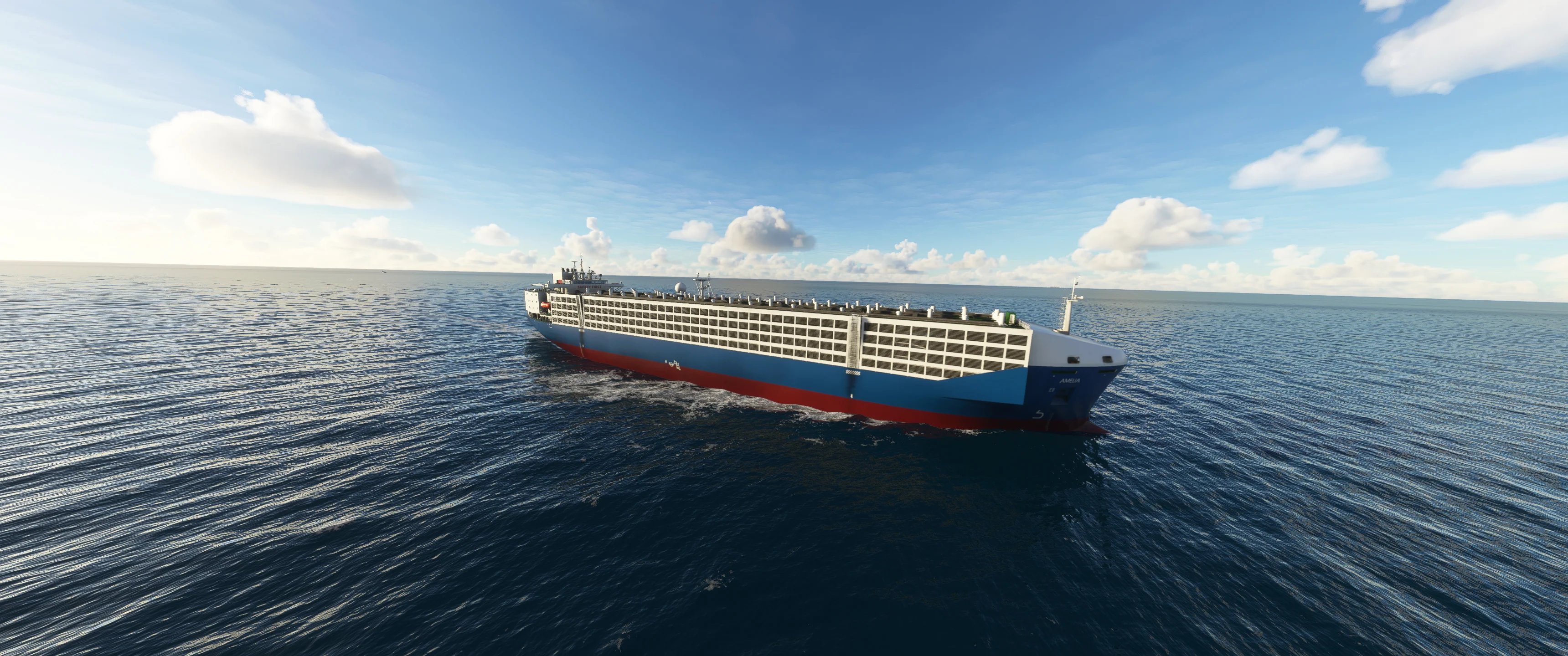
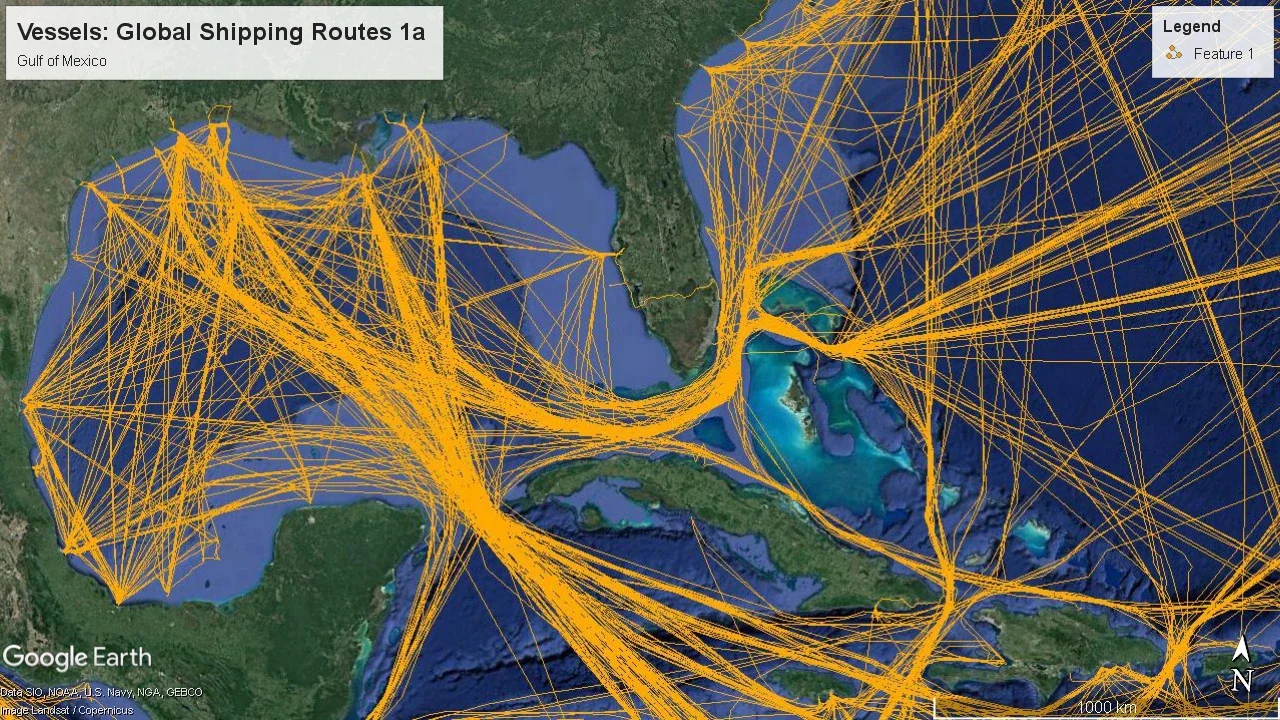
Global Shipping adds tens of thousands of ships into Microsoft Flight Simulator, adding to the immersion on coastal flights, approaches and departures. You'll find them crossing the seas and sailing the shipping lanes using real-world, historical Automatic Identification System (AIS) position data that has been collected over a year.
PLUS! Version 3 now adds the US Great Lakes to the scenery.
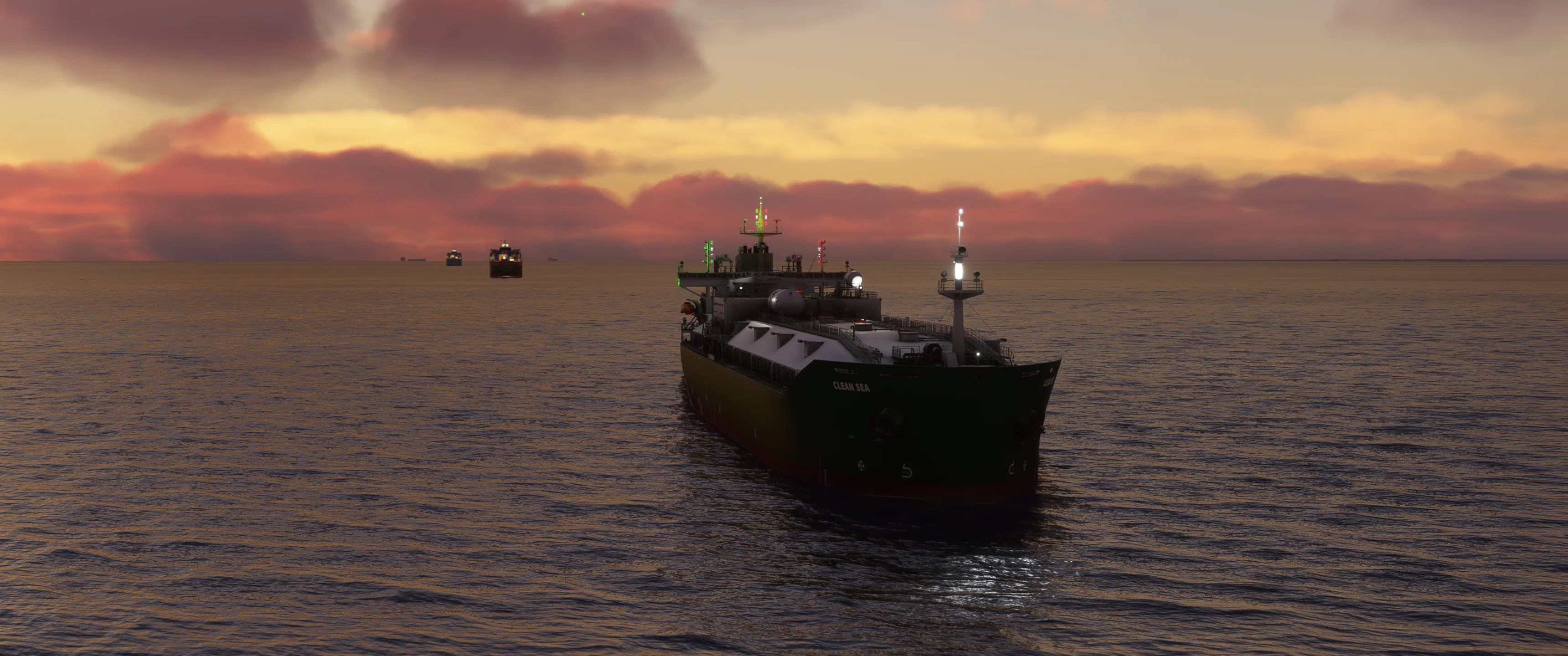
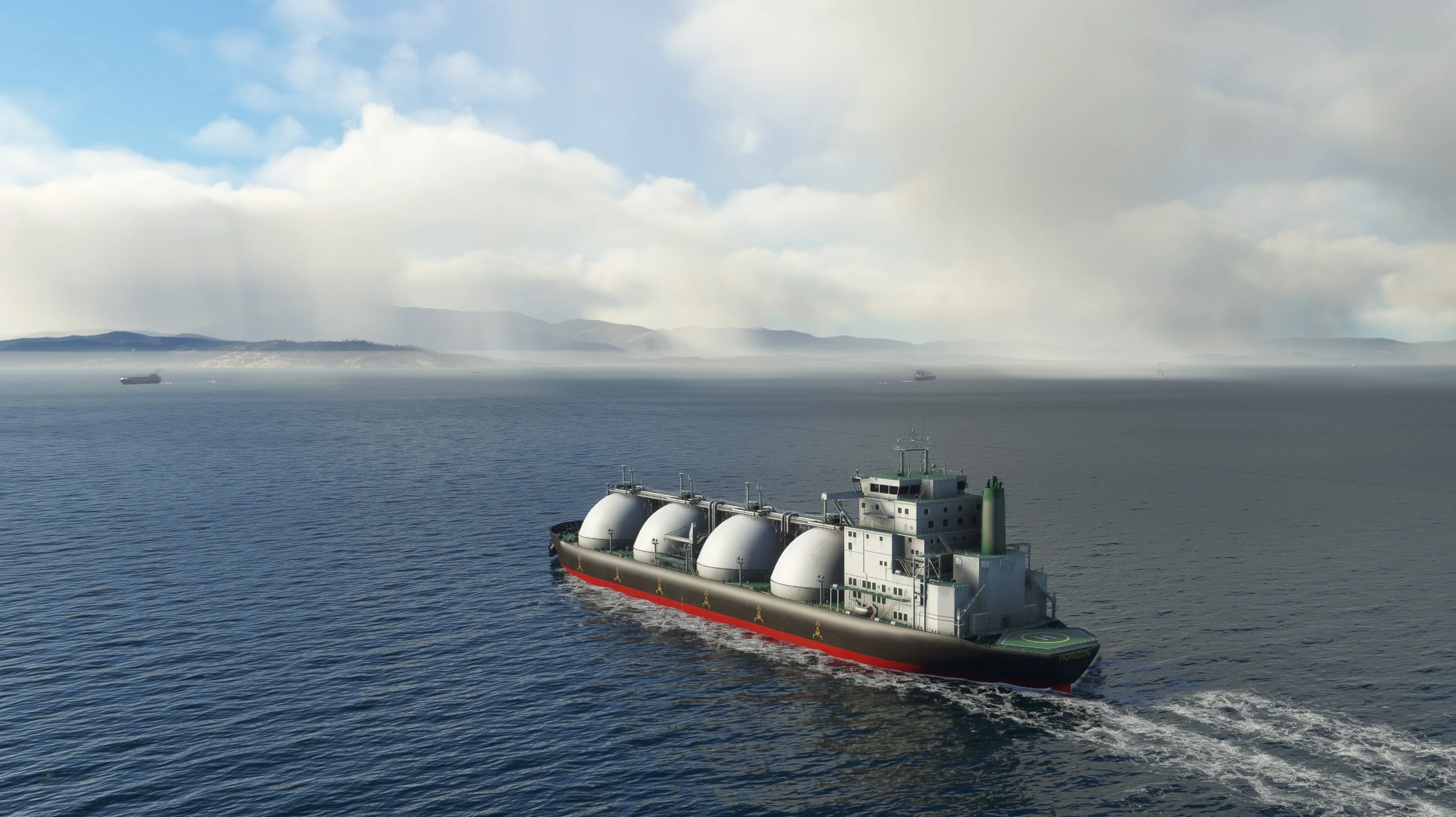
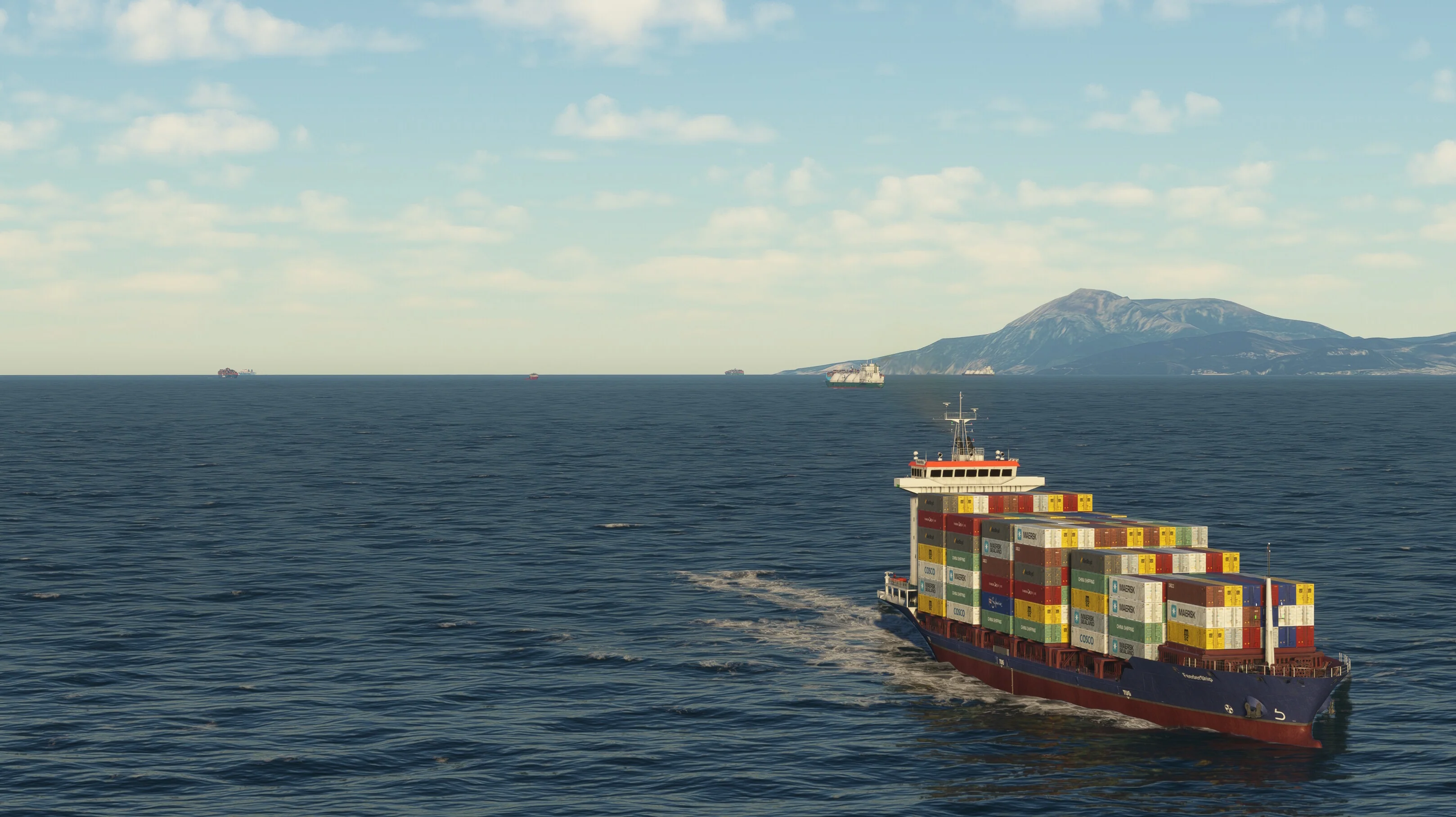
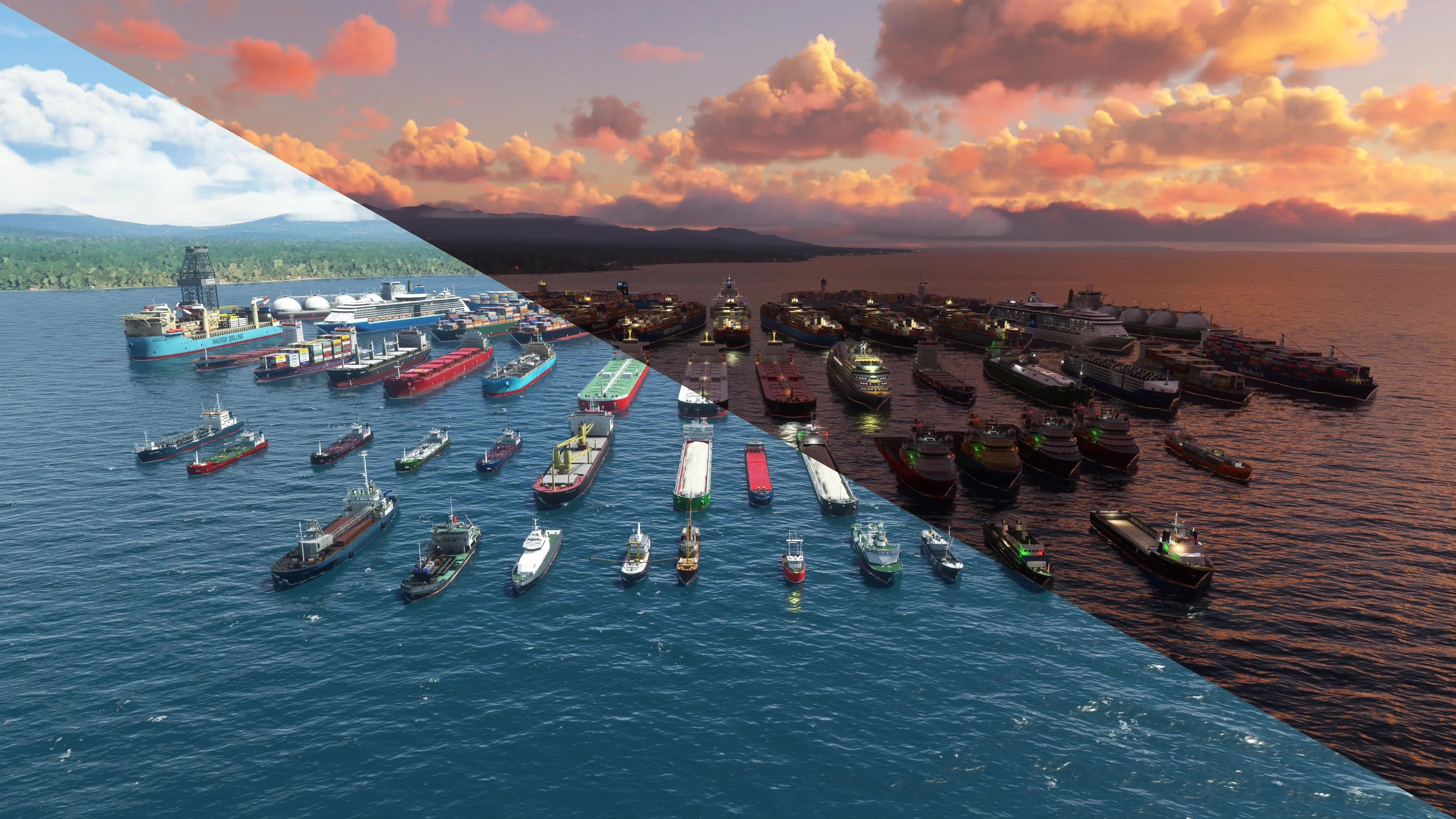
The variety of ship types includes includes Gas and Oil Tankers, Cargo Haulers, Cruise Ships, Supply Ships, Trawlers, Crane Ships, Dredgers and more. Each ship benefits from wakes, smoke and night lighting effects including navigation lighting. Bring Microsoft Flight Simulator's seas to life!
Explore some of these busy ship spotting locations... The English Channel, Gibraltar (LXGB), Singapore Strait (WSSS), River Elbe (ETMN), Bosphorus River Turkey, Çanakkale Turkey, Skagerrak Strait, Bangkok (VTBT), US Great Lakes, Sunda Strait, Indonesia, Long Beach California, San Francisco, New York, Tokyo, Strait of Hormuz.
Note: The free Vessels Core library is required. The Contrail App will install this automatically for you.
Tips:
- Set Ship and Ferry Traffic to 10% or more for the best results.
- Set Ground Wind Speed to 3 m/s (7 knots) or above for the best wake effects.
- Due to a bug in the sim that prevents traffic from loading fully, we recommend changing the time slightly when the flight loads. This will force all the boat traffic to reload properly.
Features:
- Uses high quality, LOD optimised, PBR models
- Navigation and night lighting as standard
- Optimised with multiple LODs
- 54 x models and variants
- Adds tens of thousands of routes based on real-world Automatic Identification System (AIS) data
- Works offline
- Visible at high altitude 30,000ft+
- Includes wake and responsive smoke VFX
More Images











Vessels: Global Shipping MSFS
Global Shipping adds tens of thousands of ships into Microsoft Flight Simulator, adding to the immersion on coastal flights, approaches and departures. You'll find them crossing the seas and sailing the shipping lanes using real-world, historical Automatic Identification System (AIS) position data that has been collected over a year.
PLUS! Version 3 now adds the US Great Lakes to the scenery.
The variety of ship types includes includes Gas and Oil Tankers, Cargo Haulers, Cruise Ships, Supply Ships, Trawlers, Crane Ships, Dredgers and more. Each ship benefits from wakes, smoke and night lighting effects including navigation lighting. Bring Microsoft Flight Simulator's seas to life!
Explore some of these busy ship spotting locations... The English Channel, Gibraltar (LXGB), Singapore Strait (WSSS), River Elbe (ETMN), Bosphorus River Turkey, Çanakkale Turkey, Skagerrak Strait, Bangkok (VTBT), US Great Lakes, Sunda Strait, Indonesia, Long Beach California, San Francisco, New York, Tokyo, Strait of Hormuz.
Note: The free Vessels Core library is required. The Contrail App will install this automatically for you.
Tips:
- Set Ship and Ferry Traffic to 10% or more for the best results.
- Set Ground Wind Speed to 3 m/s (7 knots) or above for the best wake effects.
- Due to a bug in the sim that prevents traffic from loading fully, we recommend changing the time slightly when the flight loads. This will force all the boat traffic to reload properly.
Features:
- Uses high quality, LOD optimised, PBR models
- Navigation and night lighting as standard
- Optimised with multiple LODs
- 54 x models and variants
- Adds tens of thousands of routes based on real-world Automatic Identification System (AIS) data
- Works offline
- Visible at high altitude 30,000ft+
- Includes wake and responsive smoke VFX
Product Information
Product Information
Shipping & Returns
Shipping & Returns
Description
Global Shipping adds tens of thousands of ships into Microsoft Flight Simulator, adding to the immersion on coastal flights, approaches and departures. You'll find them crossing the seas and sailing the shipping lanes using real-world, historical Automatic Identification System (AIS) position data that has been collected over a year.
PLUS! Version 3 now adds the US Great Lakes to the scenery.
The variety of ship types includes includes Gas and Oil Tankers, Cargo Haulers, Cruise Ships, Supply Ships, Trawlers, Crane Ships, Dredgers and more. Each ship benefits from wakes, smoke and night lighting effects including navigation lighting. Bring Microsoft Flight Simulator's seas to life!
Explore some of these busy ship spotting locations... The English Channel, Gibraltar (LXGB), Singapore Strait (WSSS), River Elbe (ETMN), Bosphorus River Turkey, Çanakkale Turkey, Skagerrak Strait, Bangkok (VTBT), US Great Lakes, Sunda Strait, Indonesia, Long Beach California, San Francisco, New York, Tokyo, Strait of Hormuz.
Note: The free Vessels Core library is required. The Contrail App will install this automatically for you.
Tips:
- Set Ship and Ferry Traffic to 10% or more for the best results.
- Set Ground Wind Speed to 3 m/s (7 knots) or above for the best wake effects.
- Due to a bug in the sim that prevents traffic from loading fully, we recommend changing the time slightly when the flight loads. This will force all the boat traffic to reload properly.
Features:
- Uses high quality, LOD optimised, PBR models
- Navigation and night lighting as standard
- Optimised with multiple LODs
- 54 x models and variants
- Adds tens of thousands of routes based on real-world Automatic Identification System (AIS) data
- Works offline
- Visible at high altitude 30,000ft+
- Includes wake and responsive smoke VFX